
The shelf is empty. Stock is waiting in the warehouse.
Store demand is seen late, requested manually or buried behind other warehouse work.
Retail inventory, built to sell
ODIN shows where every size, colour and unit is available, replenishes the stores that need it, and fulfils the sale from the warehouse or another store when the shelf is empty.
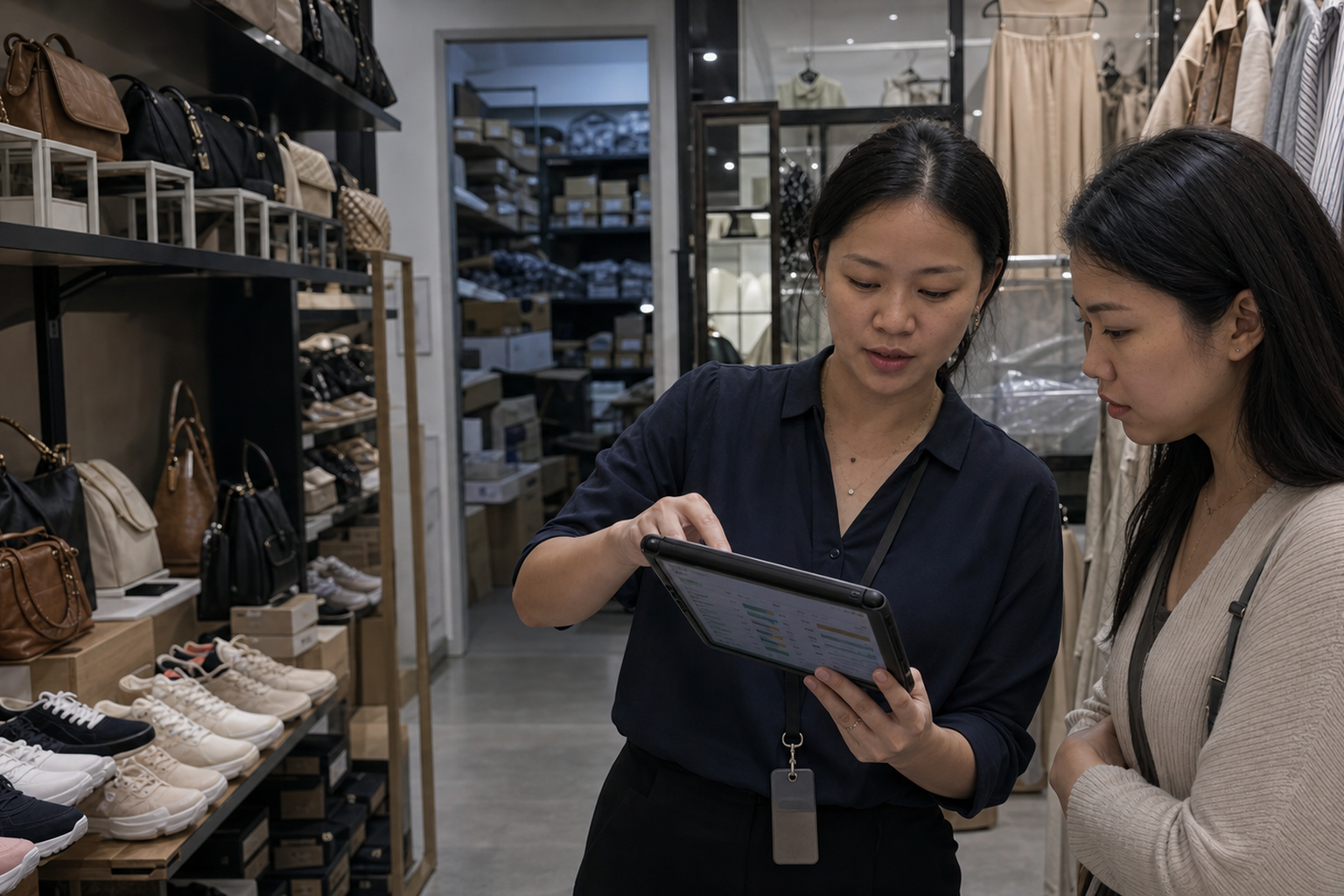
The stock exists. The sale is still lost.
Retail does not lose sales only because stock runs out. Sales are also lost when available stock is invisible, sitting in the wrong location or too slow to move.
Store demand is seen late, requested manually or buried behind other warehouse work.
Staff cannot confidently locate, reserve and fulfil the item from another store or the central warehouse.
Slow receiving, missed transfers and infrequent counts make the quantity too unreliable to promise.
One retail selling network
ODIN connects warehouse execution with store activity, so the team can replenish earlier and fulfil from the best available location.
Separate available, allocated, held, returned and in-transit stock across warehouse and stores.
Turn store demand into prioritised warehouse tasks with status visible to both teams.
Reserve the size or colour in another store or the warehouse and route it to the customer.
Use mobile receiving, transfers, returns and stocktake to maintain confidence in the promise.
One live view gives the associate a fulfilment answer while the customer is still ready to buy.
The store app
Store teams request, receive and correct stock from one simple interface—so availability becomes trustworthy sooner.
The store raises the need. The warehouse sees the priority and destination immediately.
Scan the item and quantity on arrival—without delayed updates or second entry.
Count, hold, return or correct stock directly from the store app.
RFID scans high volumes quickly. ODIN turns the count into accurate, sellable stock across every location.
REAL ODIN RETAIL DEMO · 27 SECONDSBring us one lost-sale scenario
Review replenishment, store visibility, cross-location fulfilment and stock accuracy with a warehouse practitioner.